How We Generate Art
Building consistent AI-generated assets at scale with Gemini
596+ game assets, all visually coherent, fully AI-generated. This page explains the system that makes it possible.
The Core Problem
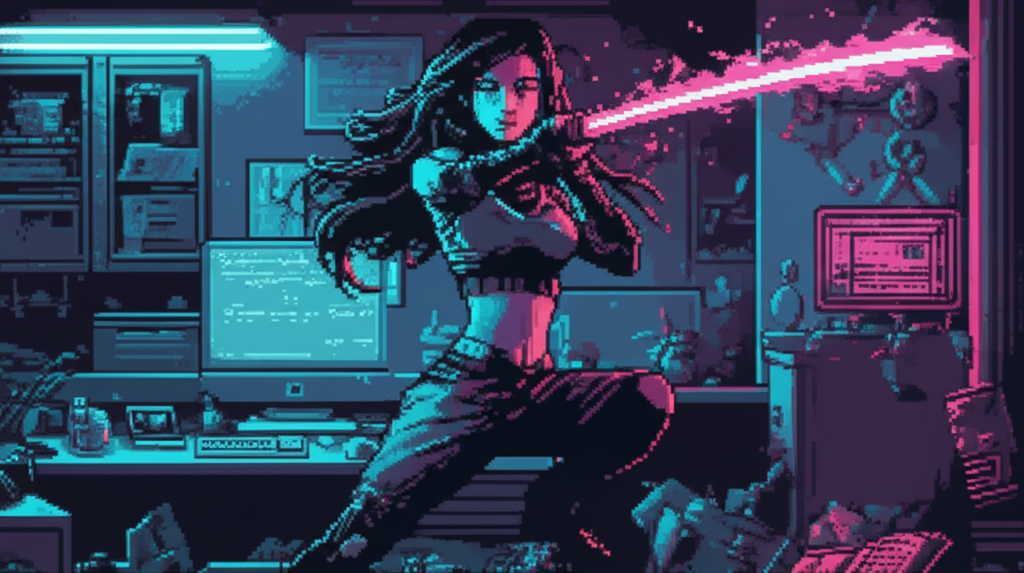
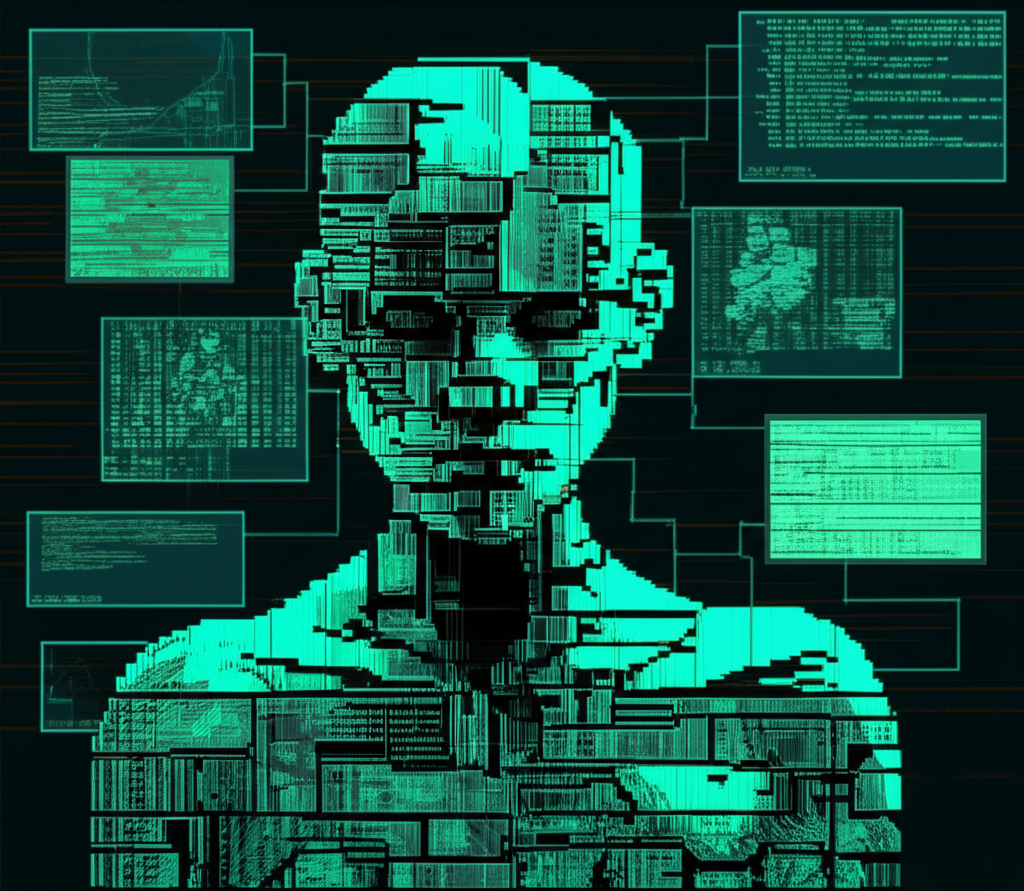
Without explicit guidance, AI image models produce wildly inconsistent styles. Here's what happens when you just ask for "cyberpunk character portrait":
Same prompt, four different styles. Unusable for a game.
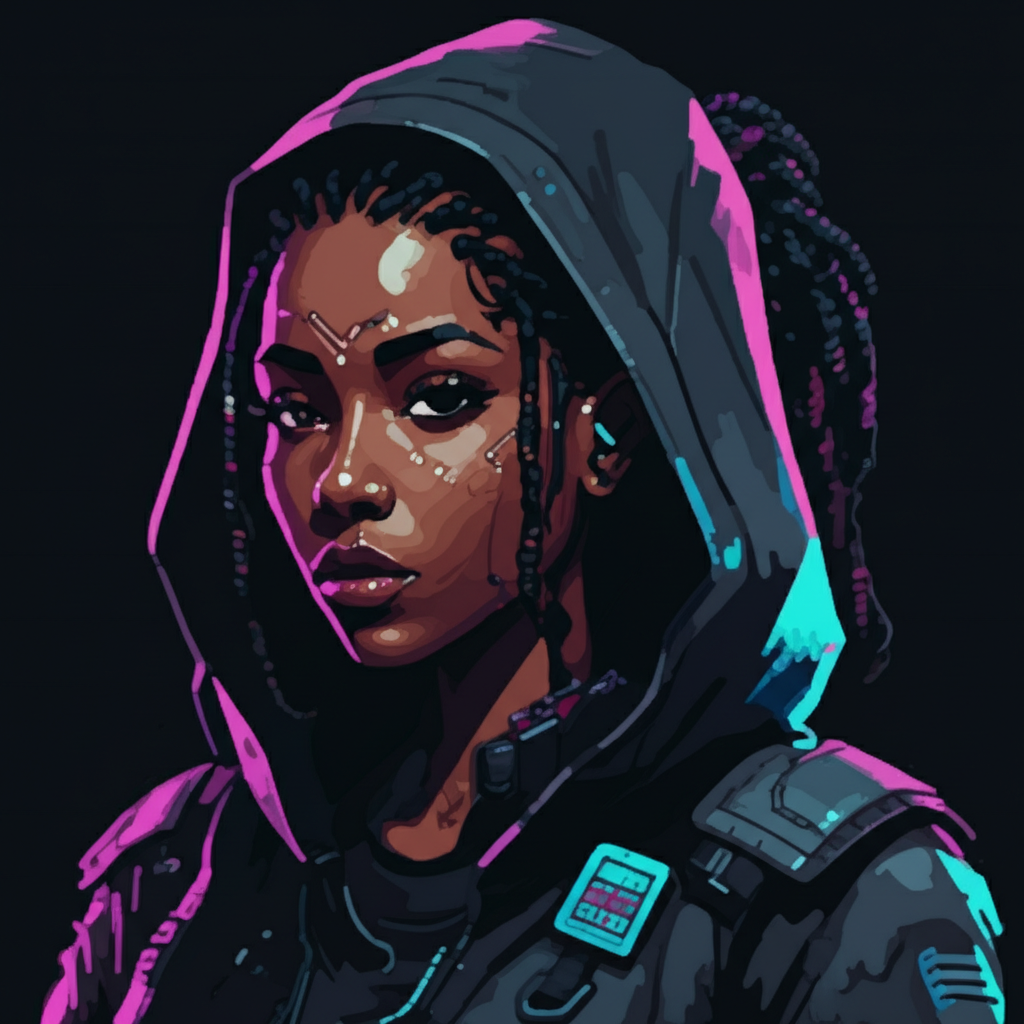
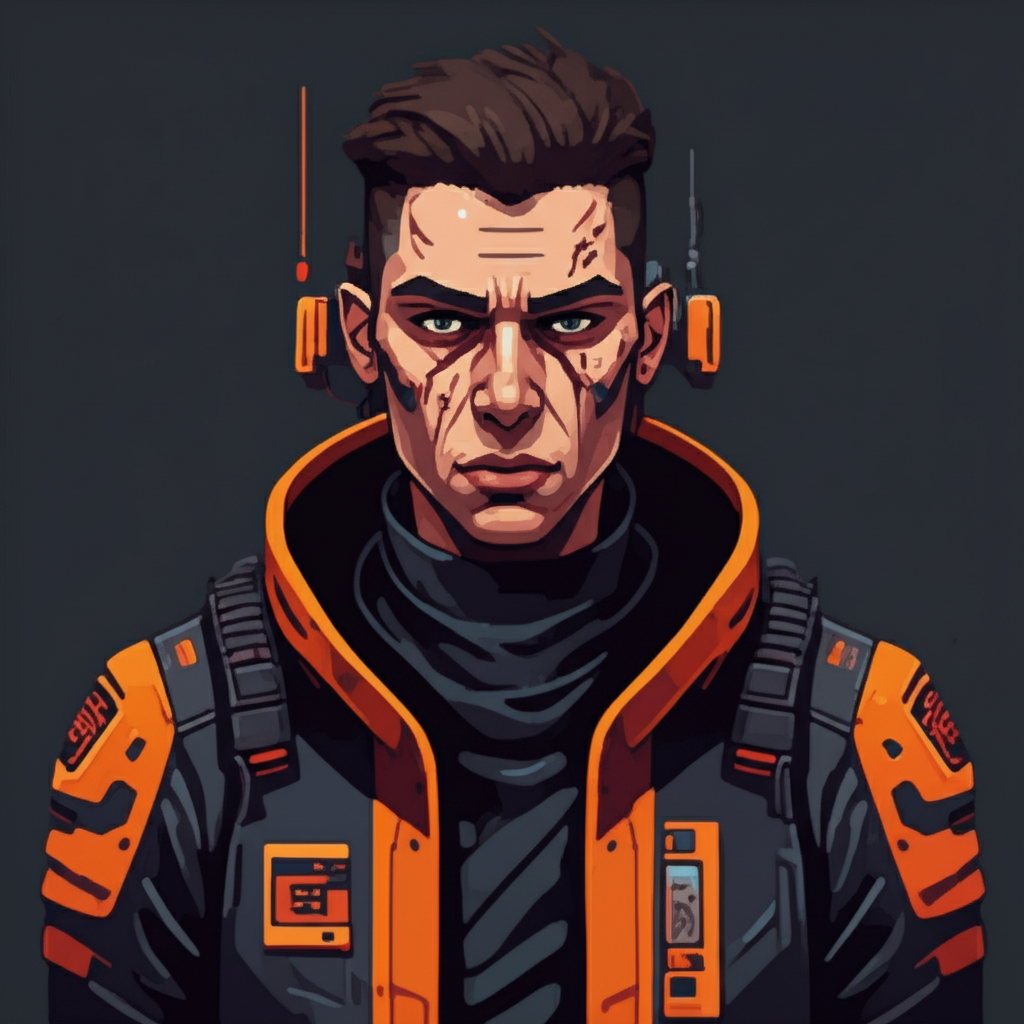
Same style, different characters. Game-ready.
The Reference Frame Budget
Gemini accepts up to 14 reference images per generation request. This isn't a design choice—it's an API constraint that forces strategic allocation.
A two-character scene with full references uses 9 of 14 slots. Single-character scenes have more headroom for additional style or environmental references.
Three-Layer Reference System
Gold Standard (Style)
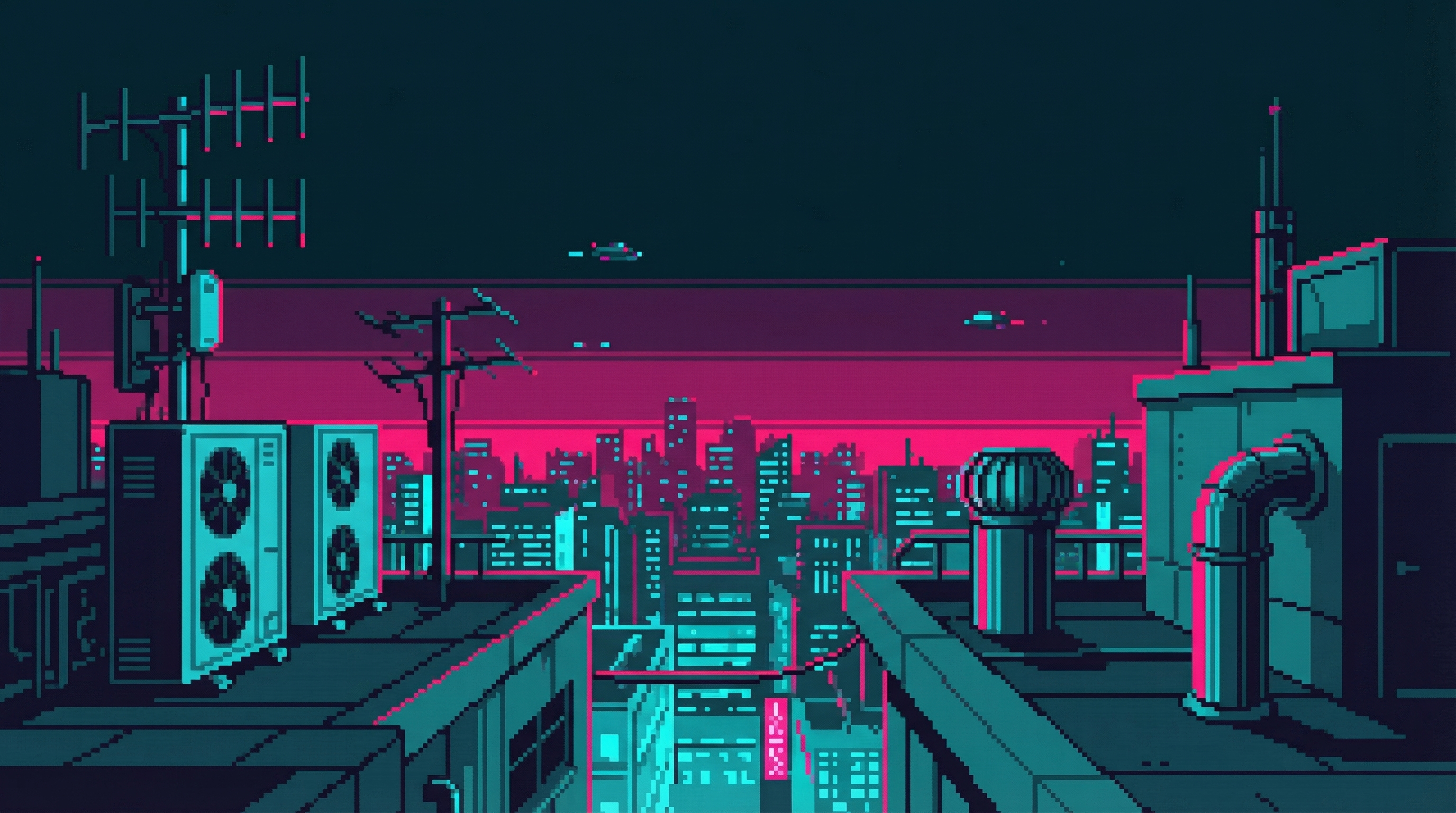
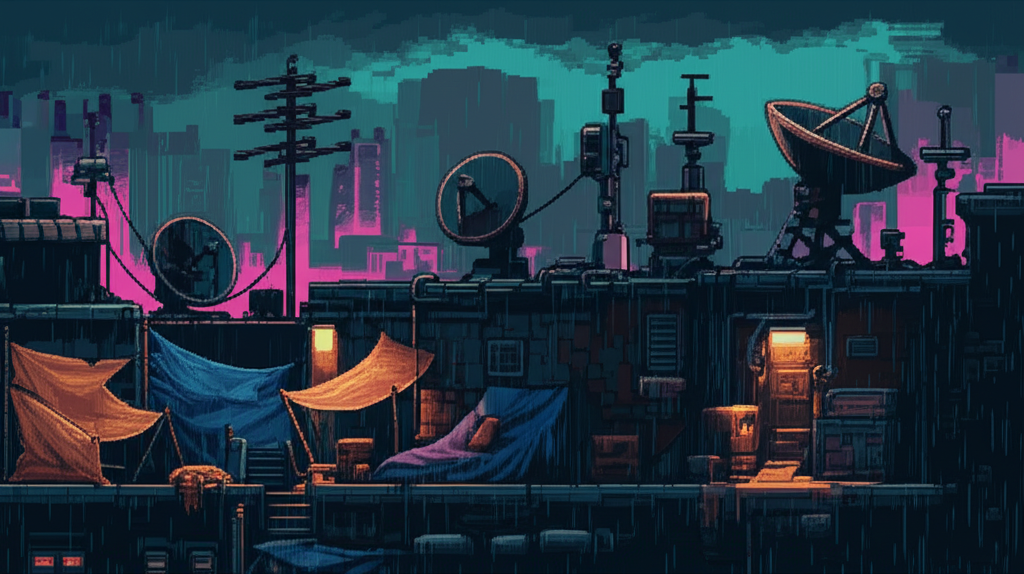 age1_b_rooftop.png
 Always included. This specific image was selected through our style calibration process—a 120-image interview that determined exactly which visual characteristics define "CyberIdle style."
Without this anchor, Gemini drifts toward whatever style it "feels like" generating. With it, every image inherits the same DNA: NES-era pixel art aesthetic, limited color palette, clean linework.
"Use this reference image as a style guide. Match its pixel art style, color palette (magenta #FF0080, cyan #00FFFF, dark teal #1a1a2e), pixel density, and overall aesthetic exactly." Scene-Type References (Composition)
Different scene types need different composition rules. A cityscape wide shot has completely different framing than a character portrait or an action sequence. We calibrated 12 scene categories through 120-image interviews.
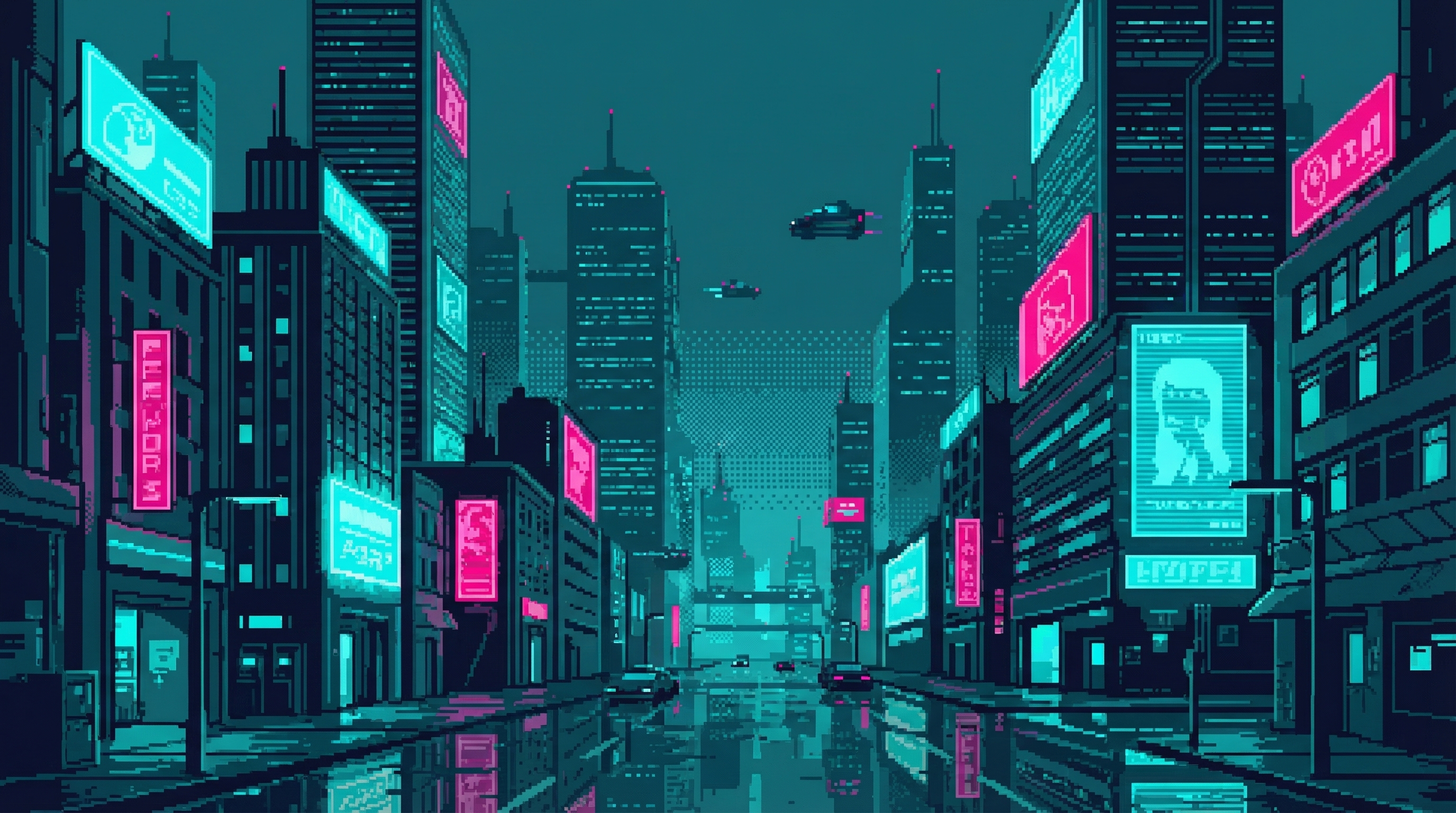
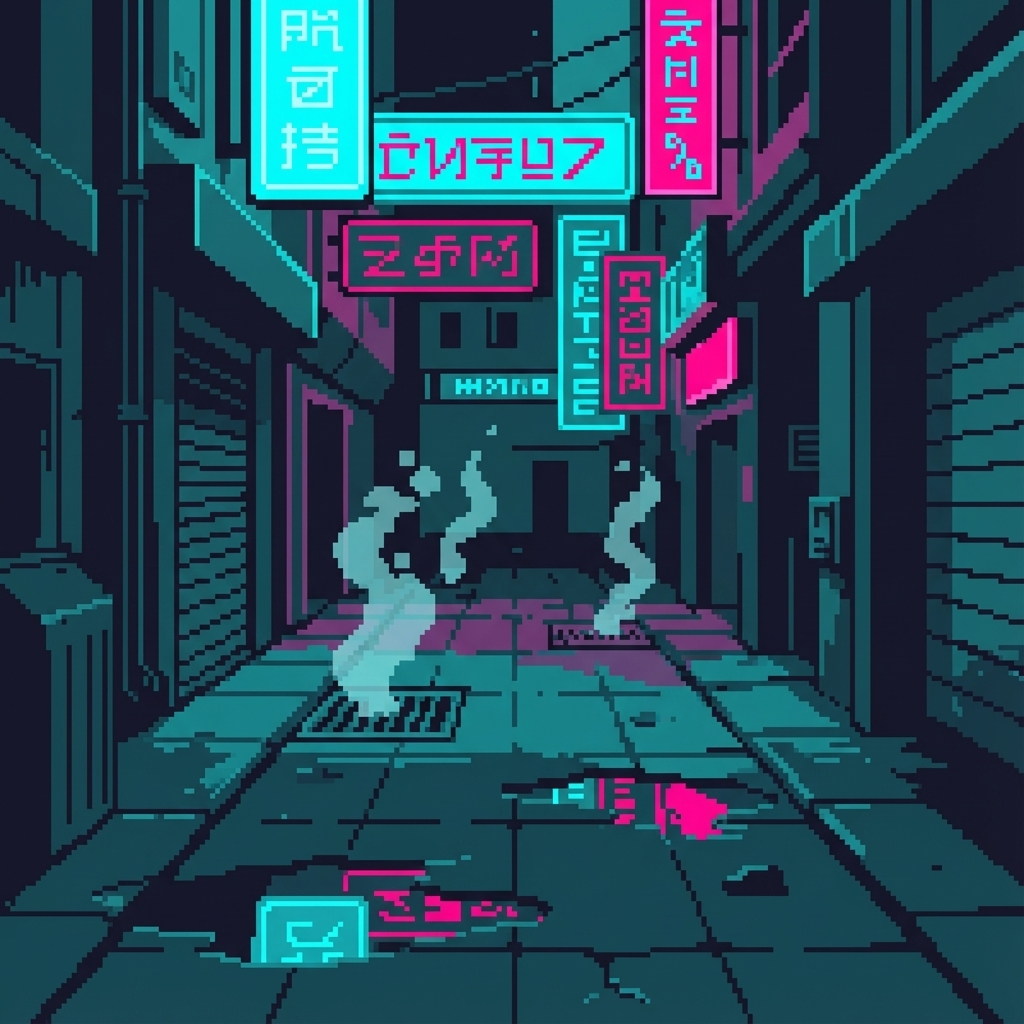
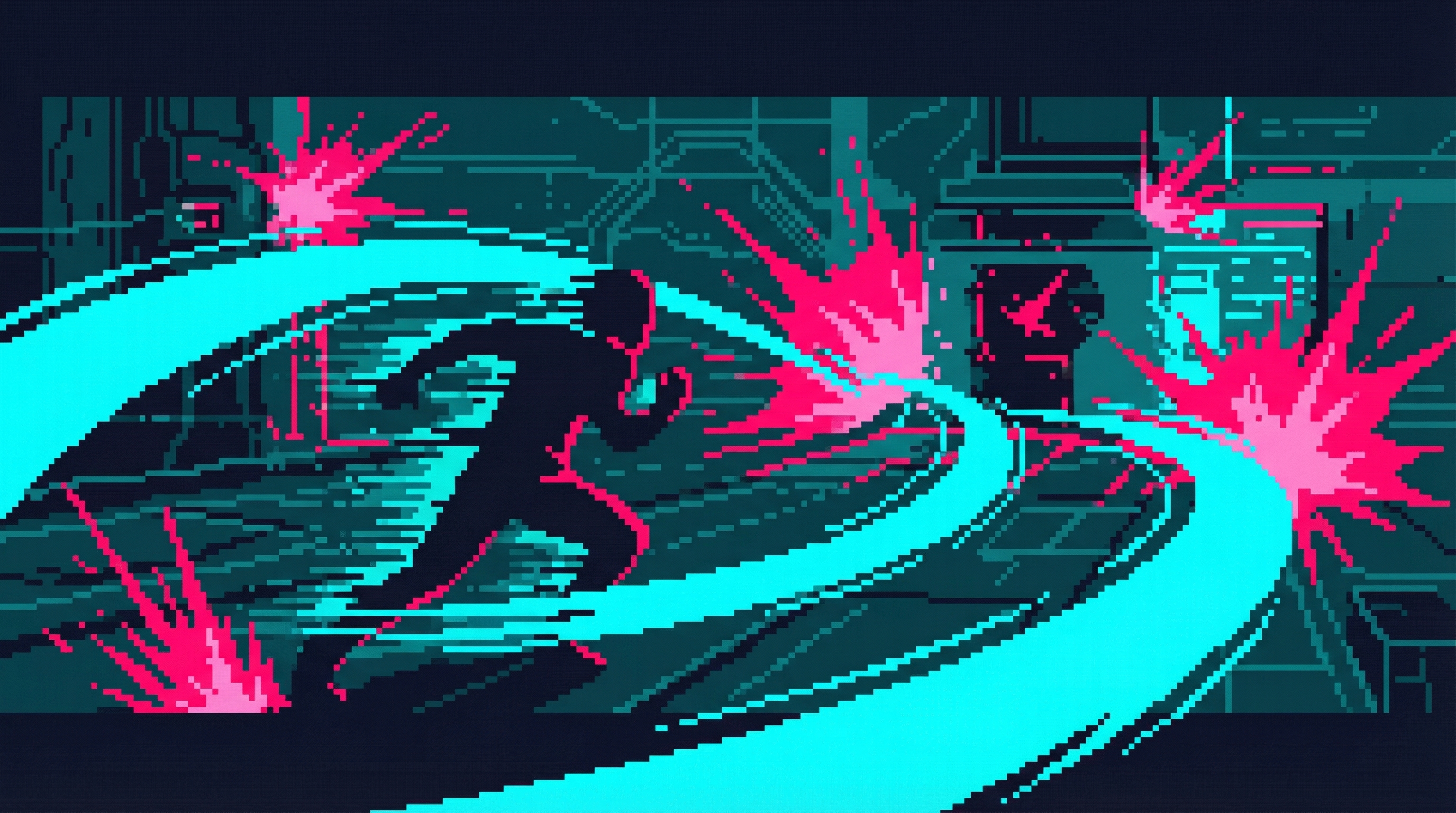
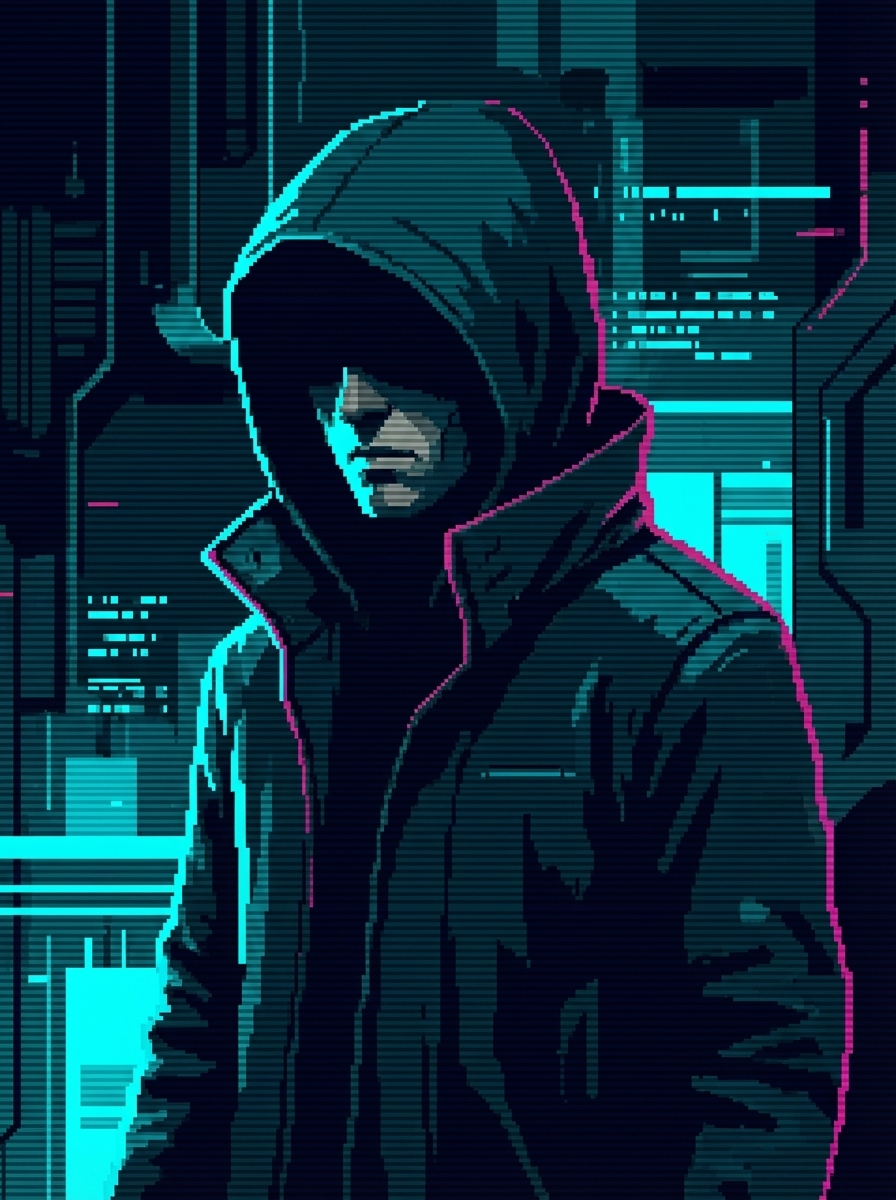
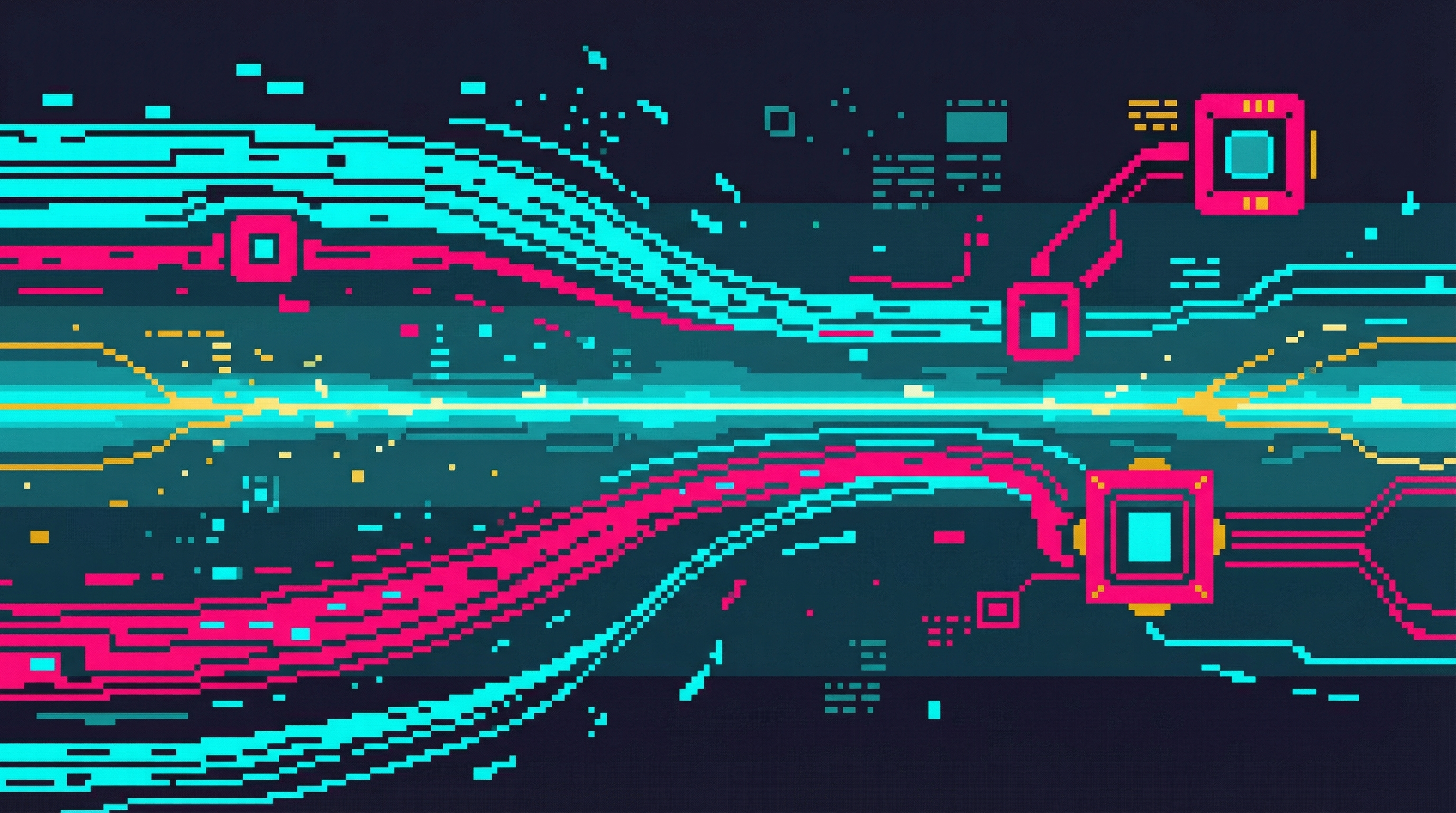
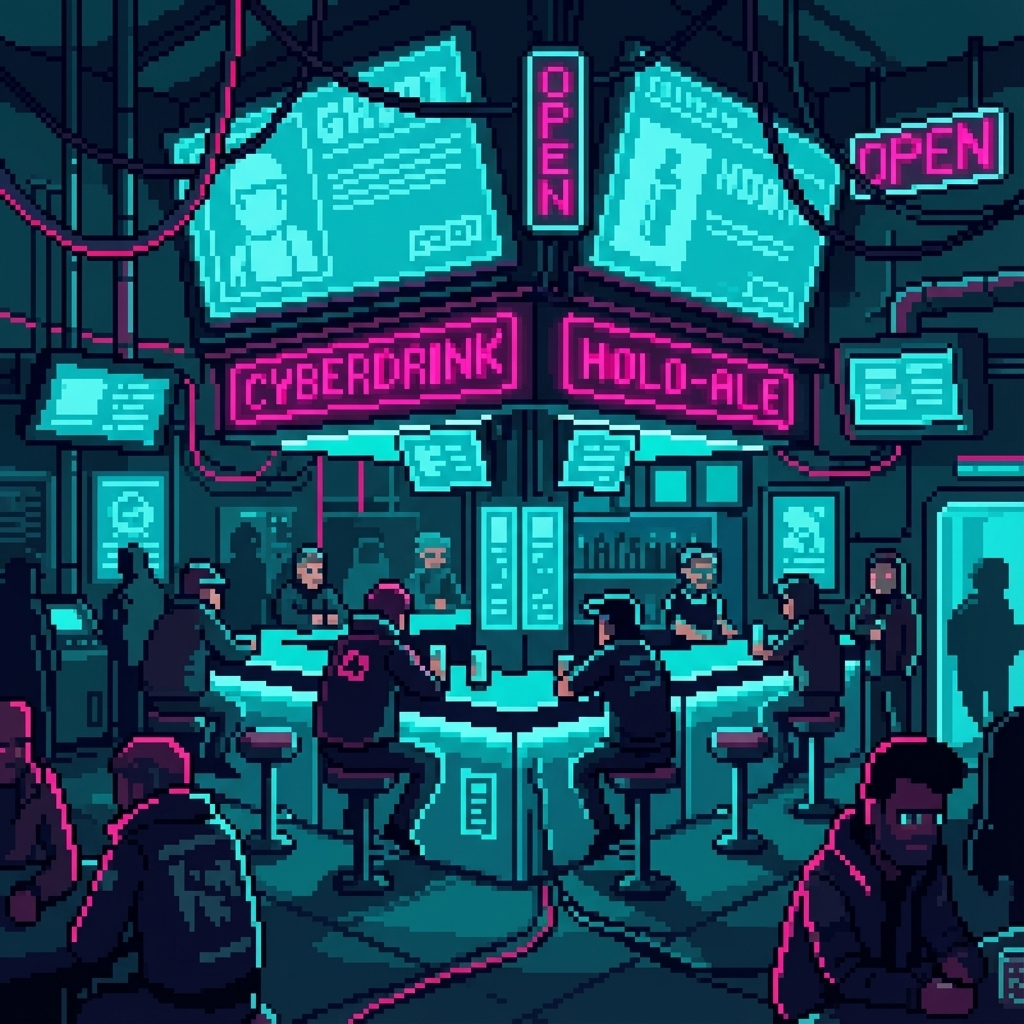

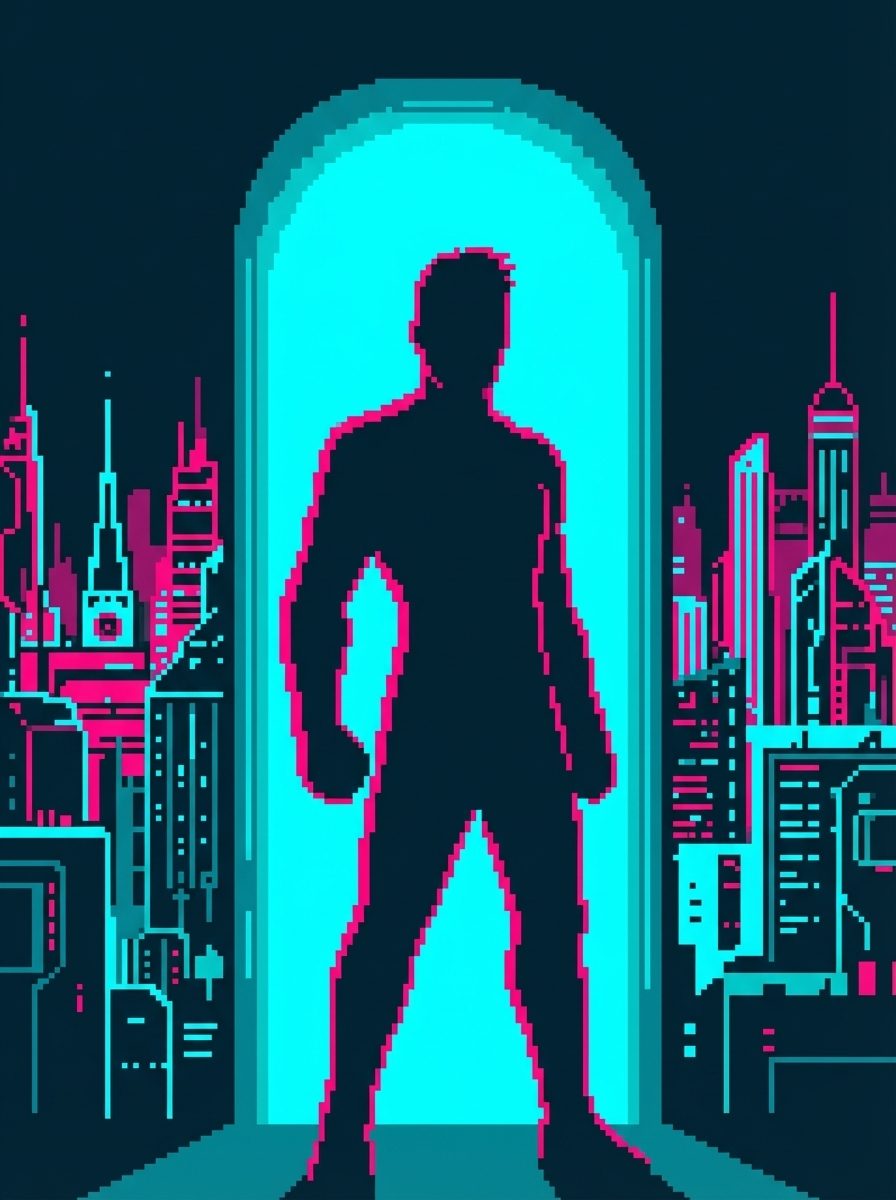
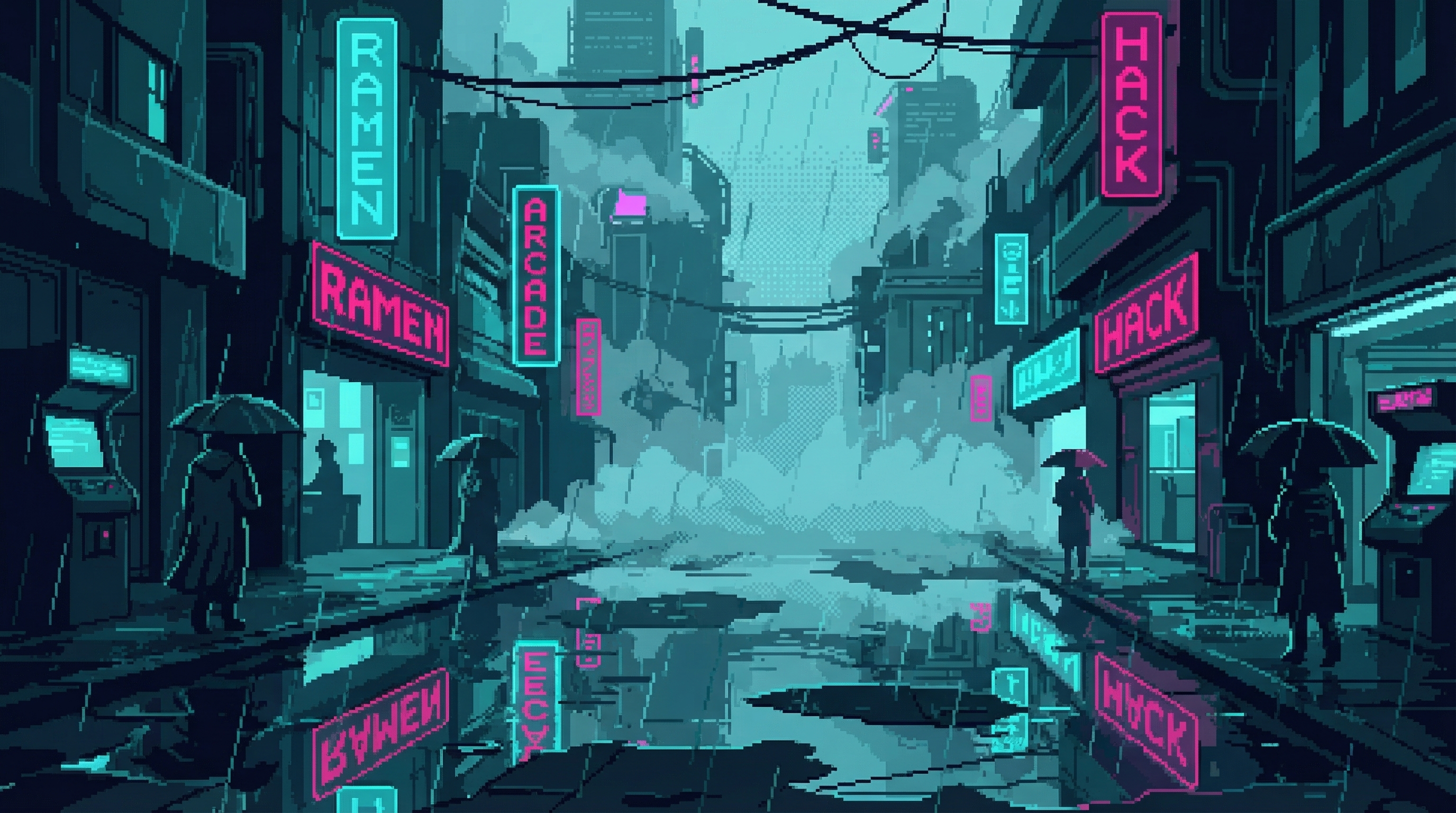
Each reference was selected from 4 interview options based on composition quality, style consistency, and how well it guides generation for that scene category.
Character References (Identity)
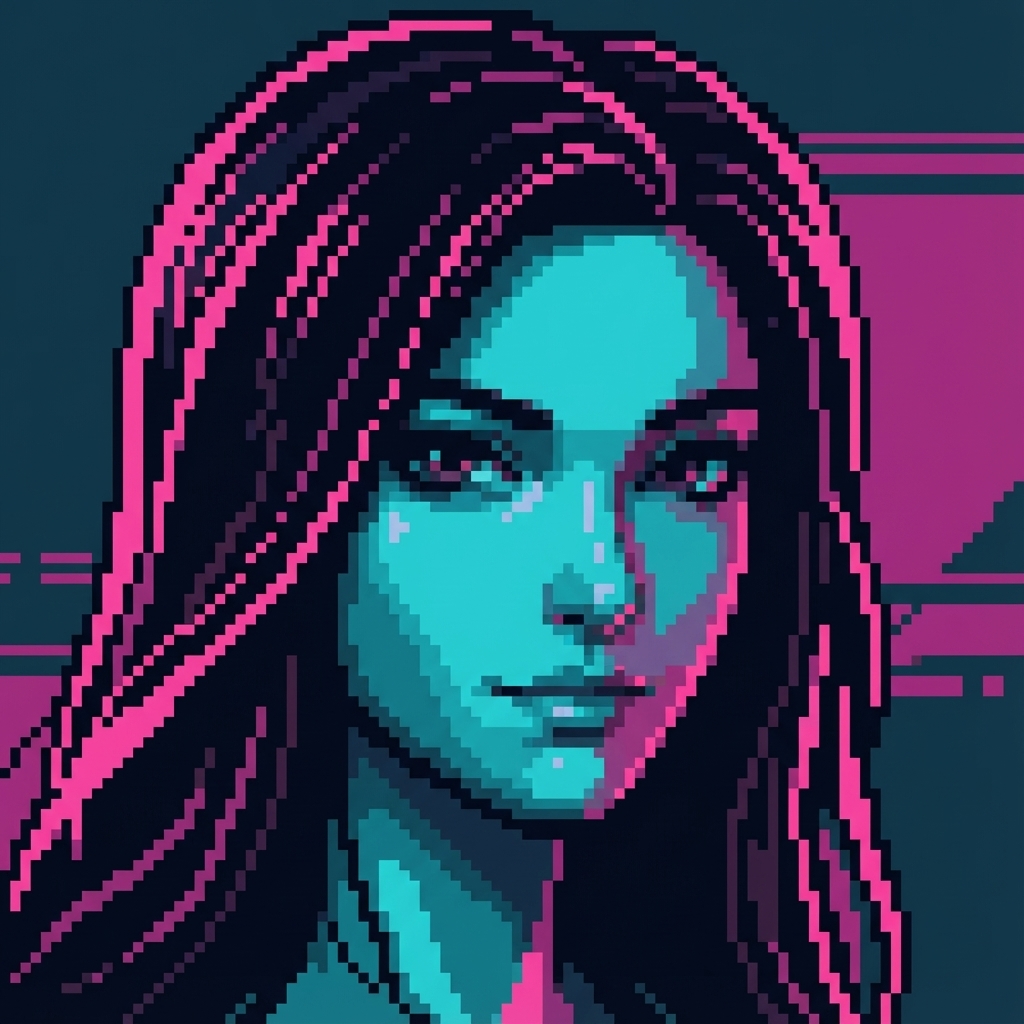
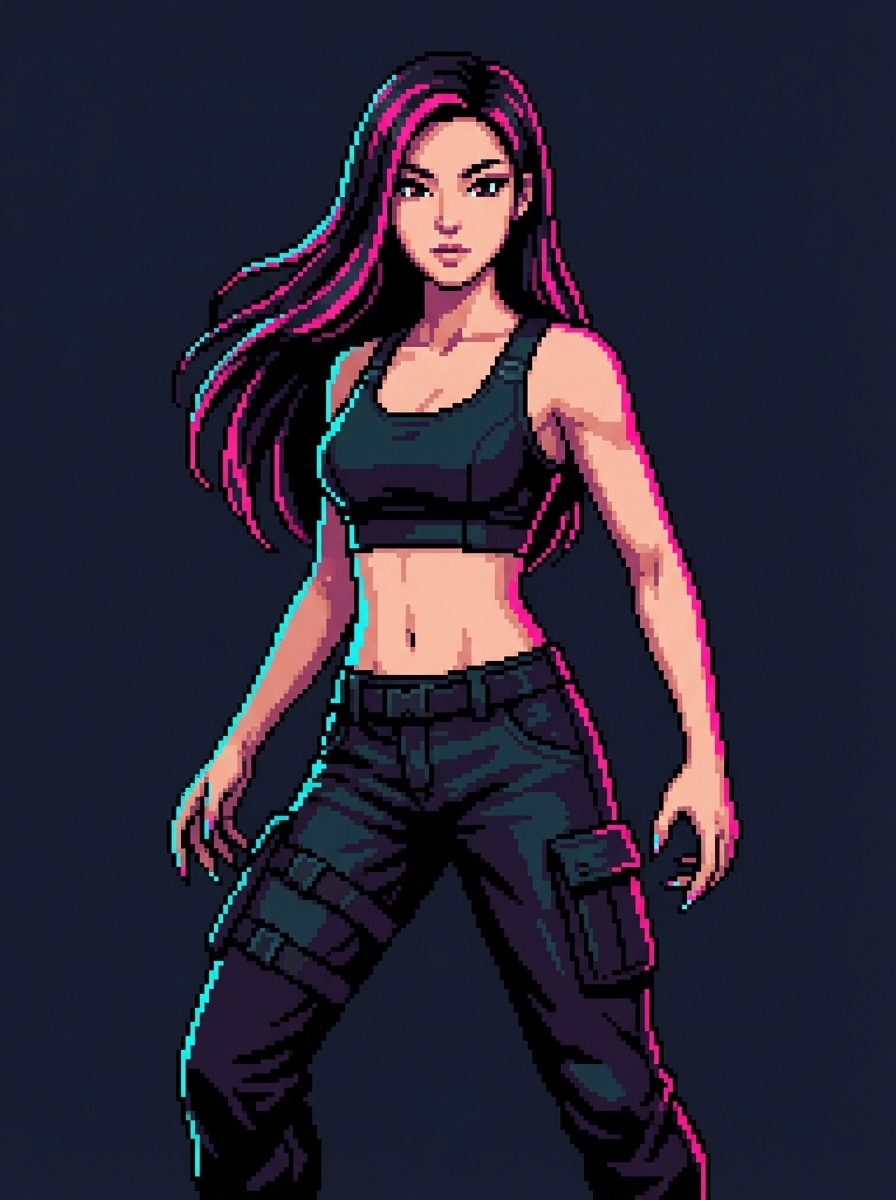
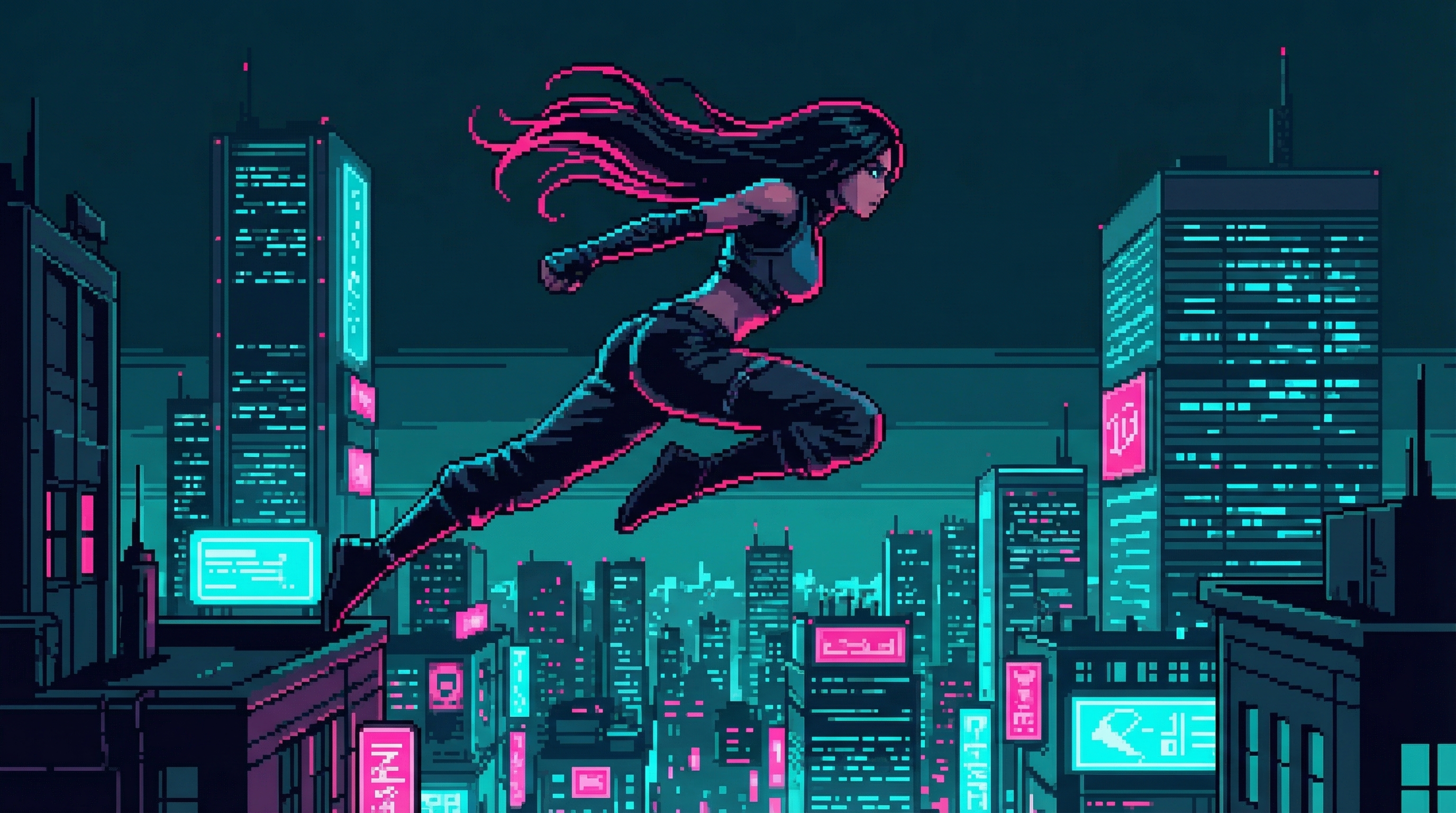
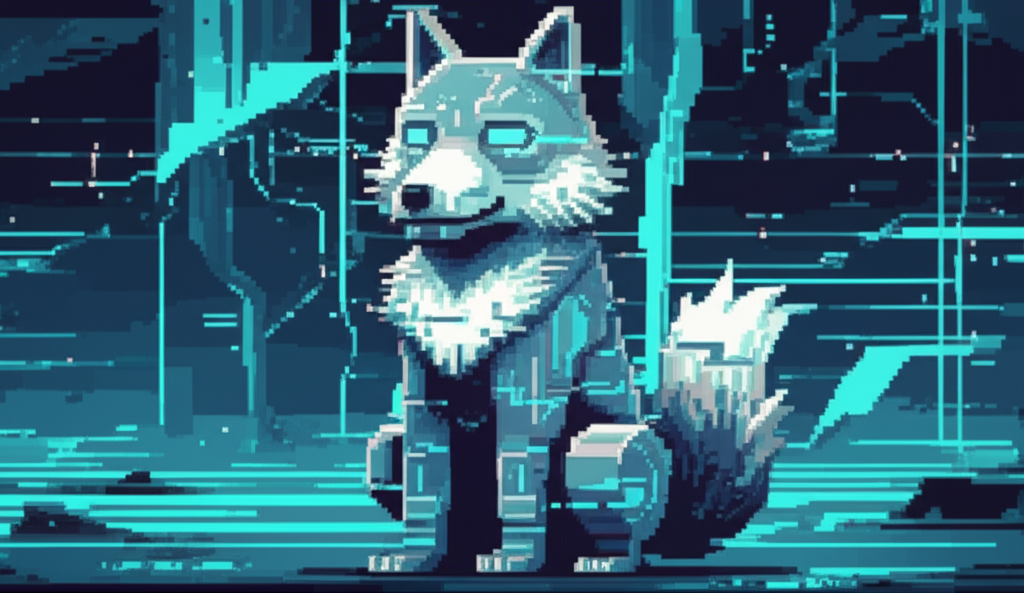
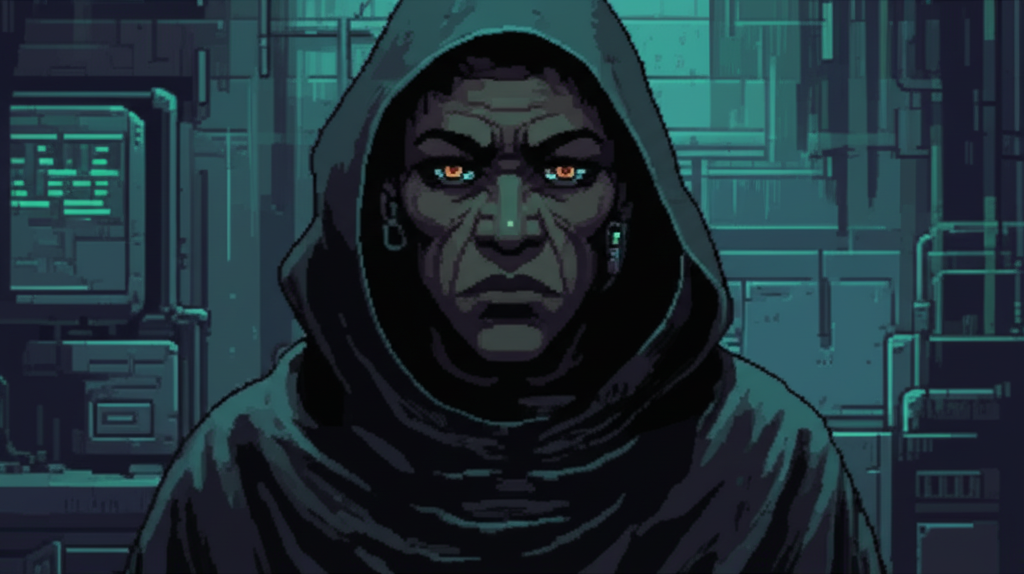
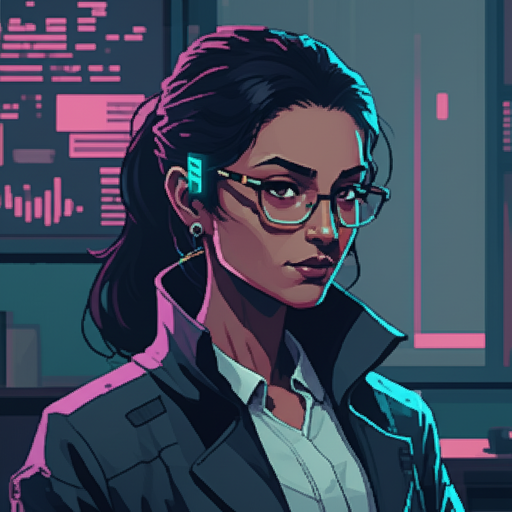
Major characters get a 4-reference set. Here's GG's complete reference allocation:
Real Generation Examples
Here's exactly what goes into generating different types of images—the input scene, all reference images, the complete prompt, and the output.
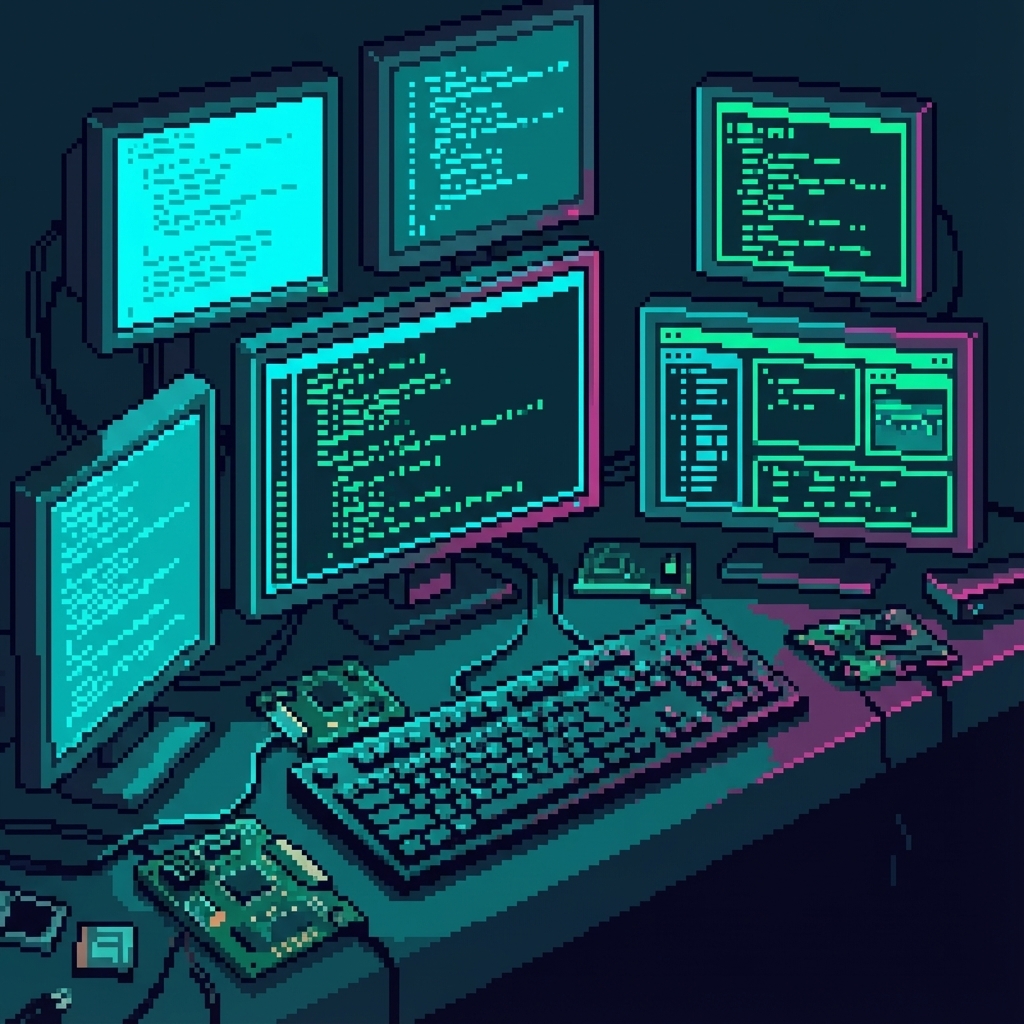
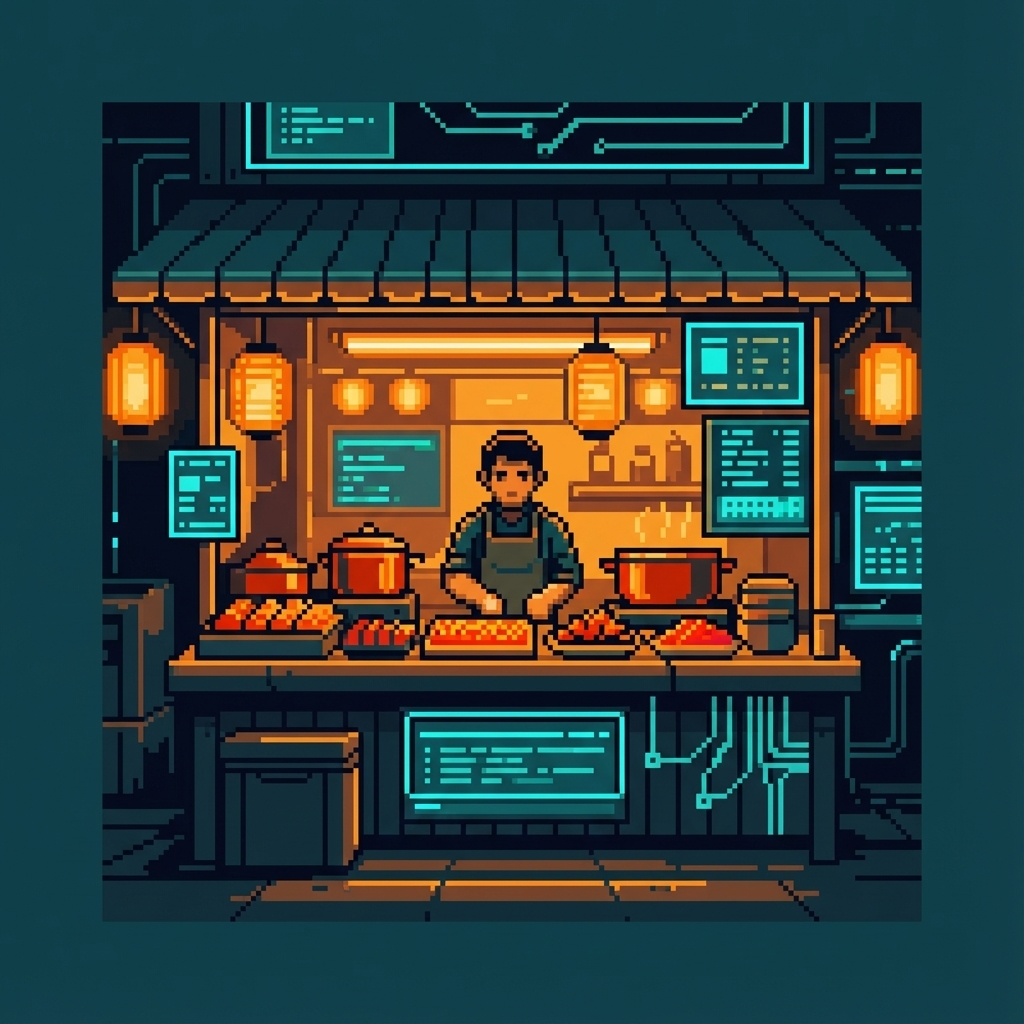
"A cramped street-level hacker den with exposed wiring, multiple flickering monitors, and makeshift tech equipment. Age 1 starter building vibe."
Gold Standard Terminal Type Use this reference image as a style guide. Match its pixel art style, color palette (magenta #FF0080, cyan #00FFFF, dark teal #1a1a2e), pixel density, and overall aesthetic exactly.
SCENE: A cramped street-level hacker den with exposed wiring, multiple flickering monitors, and makeshift tech equipment. Age 1 starter building vibe.
FRAMING: Square composition for building sprite. Clean edges, no character subjects. Focus on environmental detail.
STYLE CONSTRAINTS: NES-era pixel art. No photorealism. No gradients. Clean pixel edges. Dark background for transparency cropping.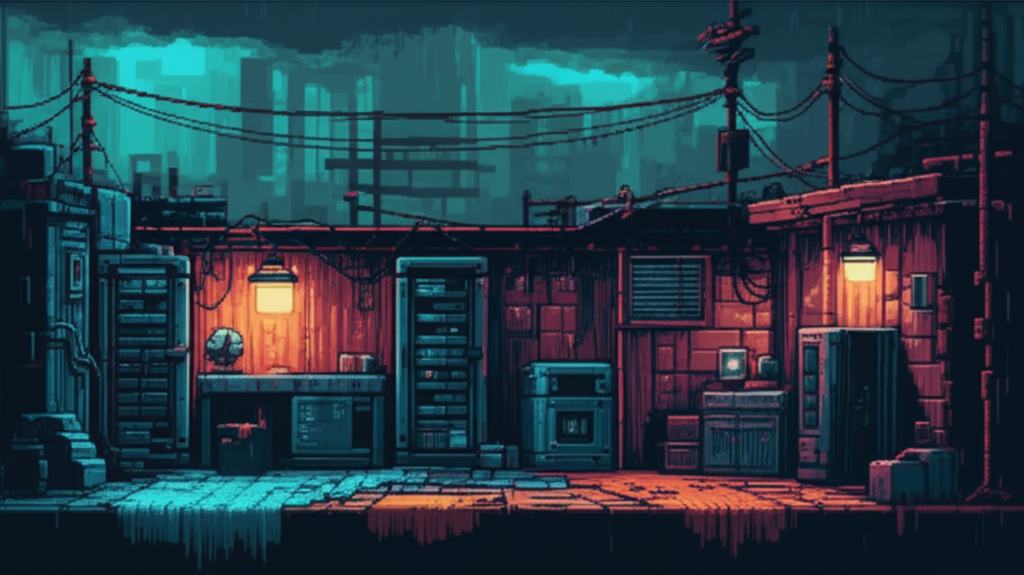
"The Sprawl during a brutal storm - lightning cracks across the skyline while GG's silhouette watches from a window. Cinematic ultra-wide composition."
Gold Standard Rain Type Cityscape Type Dramatic Type 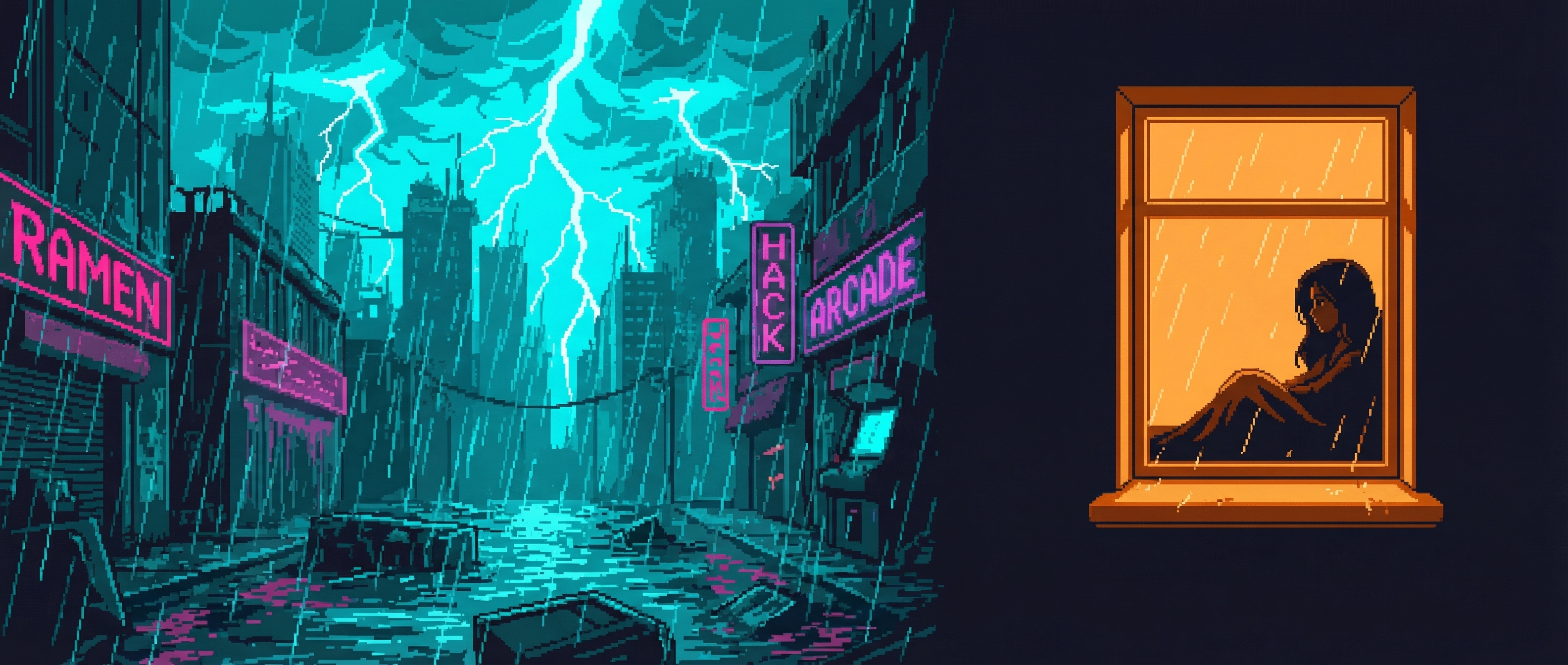
Queue-Based Generation System
At scale, we don't generate images one at a time. Jobs are defined in JSON queues and processed in batches—either sequentially for safety or in parallel for speed.
1. Queue Definition
Jobs defined in JSON with prompt, output path, references, aspect ratio, and resolution.
2. Generation Mode
Sequential (~25s/image, safe) or parallel with 4 workers (~6-7s/image, 4x speedup).
3. Checkpoint & Upload
Status tracked per job. Git commit every 3 images. Automatic CDN upload.
{
  "jobs": [
    {
      "id": "age1_building_01",
      "prompt": "Cramped street-level hacker den...",
      "output": "docs-site/public/images/buildings/age1_hacker.png",
      "refs": ["gold_standard", "terminal_scene"],
      "aspect": "1:1",
      "resolution": "2K",
      "status": "pending"
    }
  ]
}
Sequential Mode
./generate-from-queue.sh --all - ~25 seconds per image
- Safe for long batches
- Checkpoint commits every 3
- Best for overnight runs
Parallel Mode
./generate-parallel.sh --workers 4 - ~6-7 seconds per image
- 4x throughput speedup
- Respects API rate limits
- Best for batch sprints
Art Interview Philosophy
Why do we use multi-round interviews to calibrate art style instead of just writing detailed prompts? Because visual art direction exists in a space that language can't fully capture.
The Problem with Text-Only Prompts
The Solution: Selection Over Description
Instead of trying to describe what you want, select from options. This is the same approach we use to prompt Gemini (reference images) and to prompt the human art director (interview choices).
Each should explore a different direction. Include at least one you think they'll hate—negative feedback is valuable.
Not just "I like B" but "B because the lighting feels more intimate and the pose suggests confidence not aggression."
Convert subjective feedback into concrete rules: "Prefer warm accent lighting over cool. Neutral poses over aggressive."
Selected images become future references. Rules get added to style guides. The system learns.
Through the interview process, we discovered that Cyber Chomp should appear "zoned out while chaos happens around him"—a personality trait that emerged from selection, not description. We never would have written that in a prompt.
Prompt Construction Pipeline
User scene descriptions get transformed through multiple enrichment stages before hitting the API.
"GG confronts Helena Voss in Nexus lobby" "Match pixel art style, color palette..." "Wide cinematic composition with horizontal emphasis..." "Match distinctive visual features EXACTLY..." STYLE_INSTRUCTION="Use this reference image as a style guide.
Match its pixel art style, color palette (magenta #FF0080,
cyan #00FFFF, dark teal #1a1a2e), pixel density, and
overall aesthetic exactly."
# Add framing based on aspect ratio
if aspect_ratio in ["21:9", "16:9"]:
prompt += """
FRAMING: Wide cinematic composition with horizontal emphasis.
Key subjects should have breathing room. Use the full width."""
# Add character consistency instruction
if char_refs:
prompt += f"""
CHARACTER CONSISTENCY: Match their distinctive visual
features EXACTLY as shown - same face structure, hair,
clothing, augmentations, and distinctive features."""The Iteration Process
Major characters go through extensive calibration. Here's Cyber Chomp's reference development:
Selected: Option C - best eye rendering
Selected: Option B - proportions match face
Selected: Option A - most dynamic pose
4 references locked for all future generations
This interview process was 52 iterations for Cyber Chomp alone. The investment pays off: every future image of this character will be consistent.
Strategies by Art Type
| Type | Refs | Aspect | Strategy | Example |
|---|---|---|---|---|
| Character Portrait | 0-1 | 1:1 | NES pixel locked, contextual background | 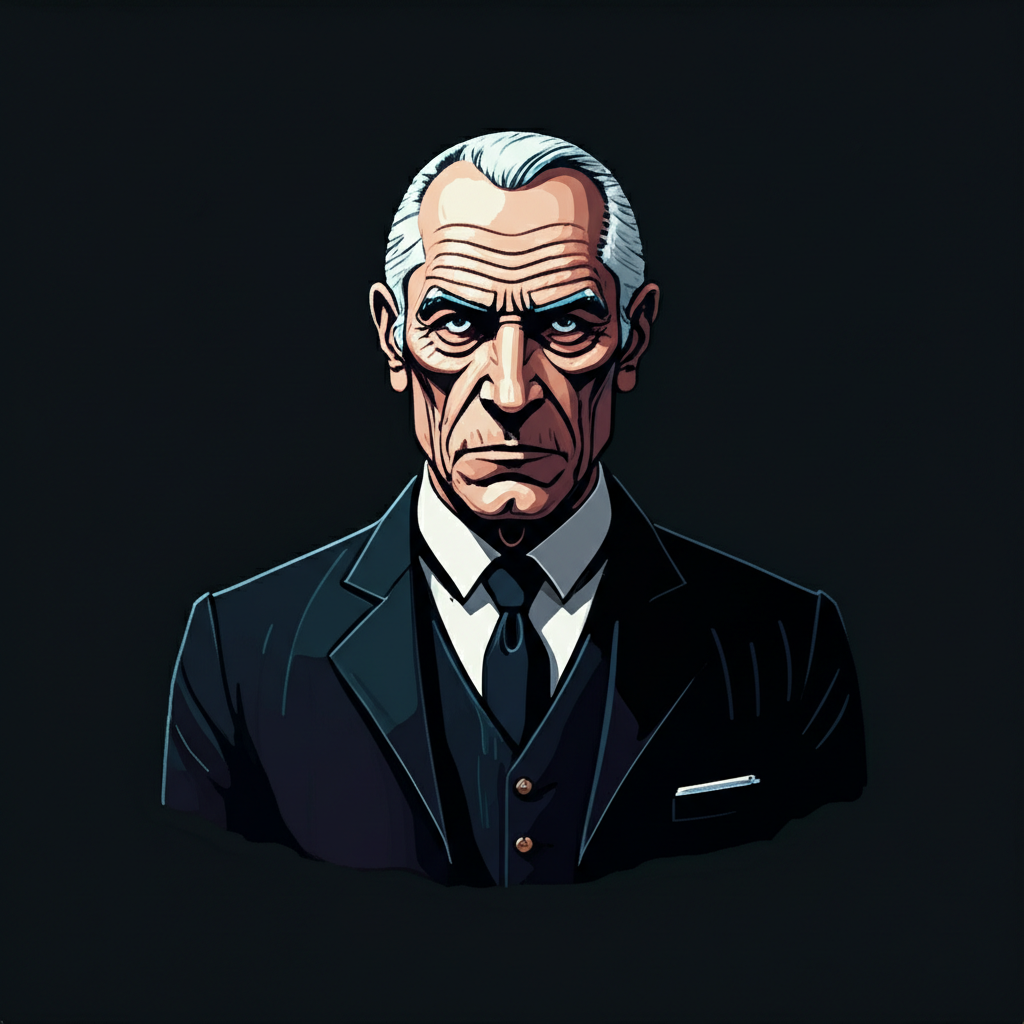 |
| Story Scene | 3-5 | 16:9 | Multi-ref: style + chars + location | 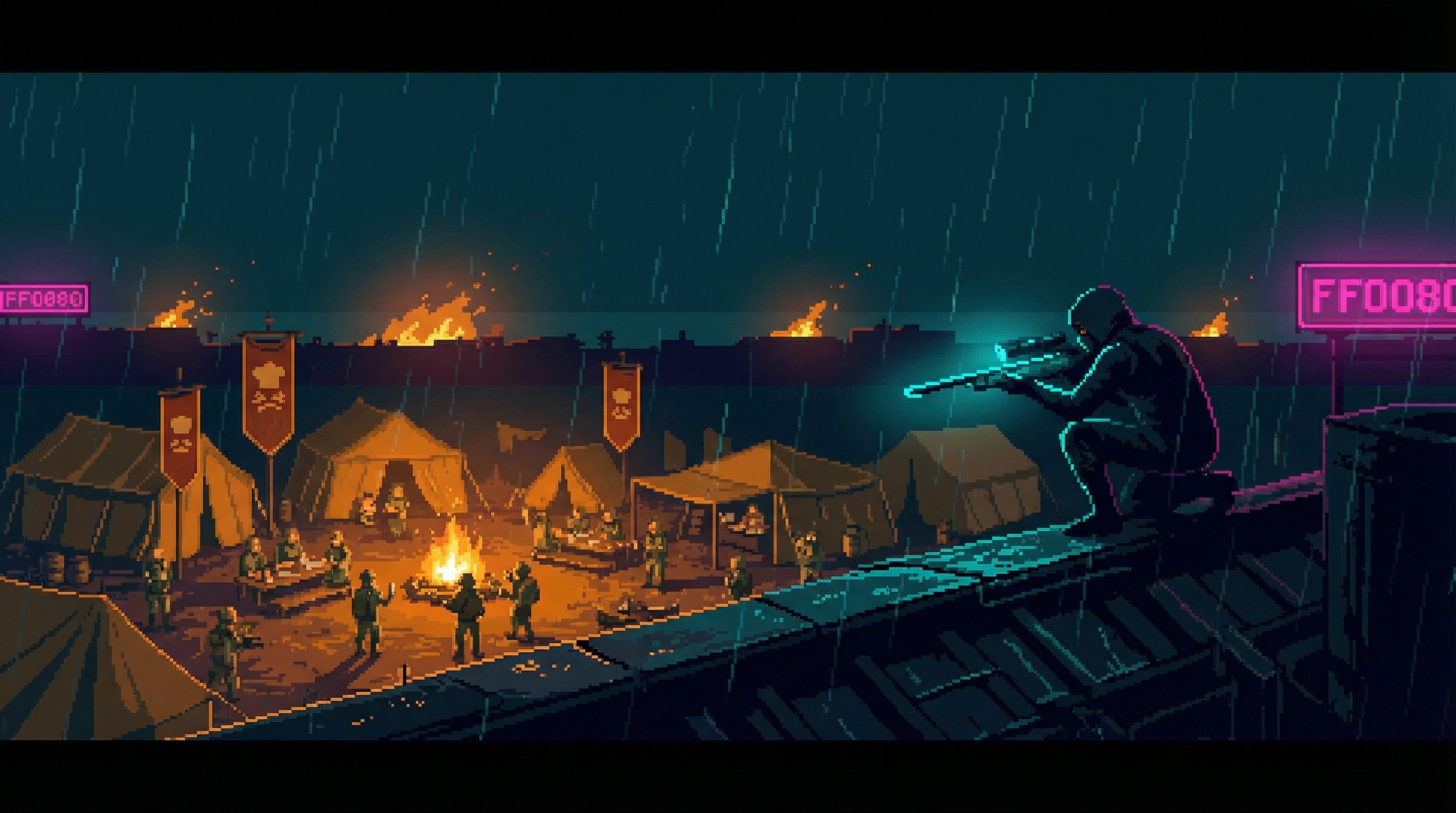 |
| Hero Image | 2-3 | 21:9 | Ultra-wide, MUST center subjects | 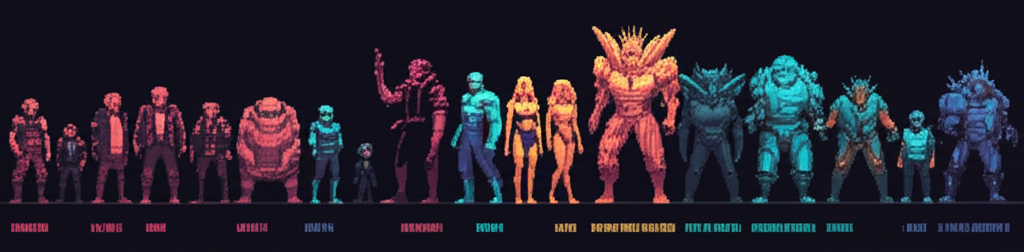 |
| Building Sprite | 1 | varies | Transparent bg, isometric, NO rain |  |
| Resource Icon | 1 | 1:1 | 64px readable, dark teal background |  |
Color Palette & Style Rules
Hard Rejections (Never Use)
- Photorealistic rendering or textures
- Gradients that break pixel aesthetic
- Pure white backgrounds (#FFFFFF)
- Pastel or washed-out colors
- 3D perspective inconsistency
- Text/watermarks in generated images
Technical Implementation
For practitioners building similar systems:
API Details
- Model
gemini-3-pro-image-preview- Cost
- ~$0.04 per image at 2K
- Max refs
- 14 images per request
- Response
- Base64-encoded PNG
Resolution Options
- 1K
- ~1024px, quick iterations
- 2K
- ~2048px, production default
- 4K
- ~4096px, hero images only
Aspect Ratios
- 21:9
- Ultra-wide banners
- 16:9
- Story scenes, standard
- 3:4 / 9:16
- Vertical portraits
- 1:1
- Icons, avatars
Queue-Based Workflow
Jobs defined in JSON, processed sequentially with checkpointing:
./generate-from-queue.sh --all --changelog {
"contents": [{
"parts": [
{"inlineData": {"mimeType": "image/png", "data": "...base64..."}},
{"inlineData": {"mimeType": "image/png", "data": "...base64..."}},
{"text": "Style instruction + scene prompt + framing + character notes"}
]
}],
"generationConfig": {
"responseModalities": ["TEXT", "IMAGE"],
"imageConfig": {
"aspectRatio": "16:9",
"imageSize": "2K"
}
}
}Results Gallery
A sample of outputs demonstrating style consistency across different subjects and scenes.
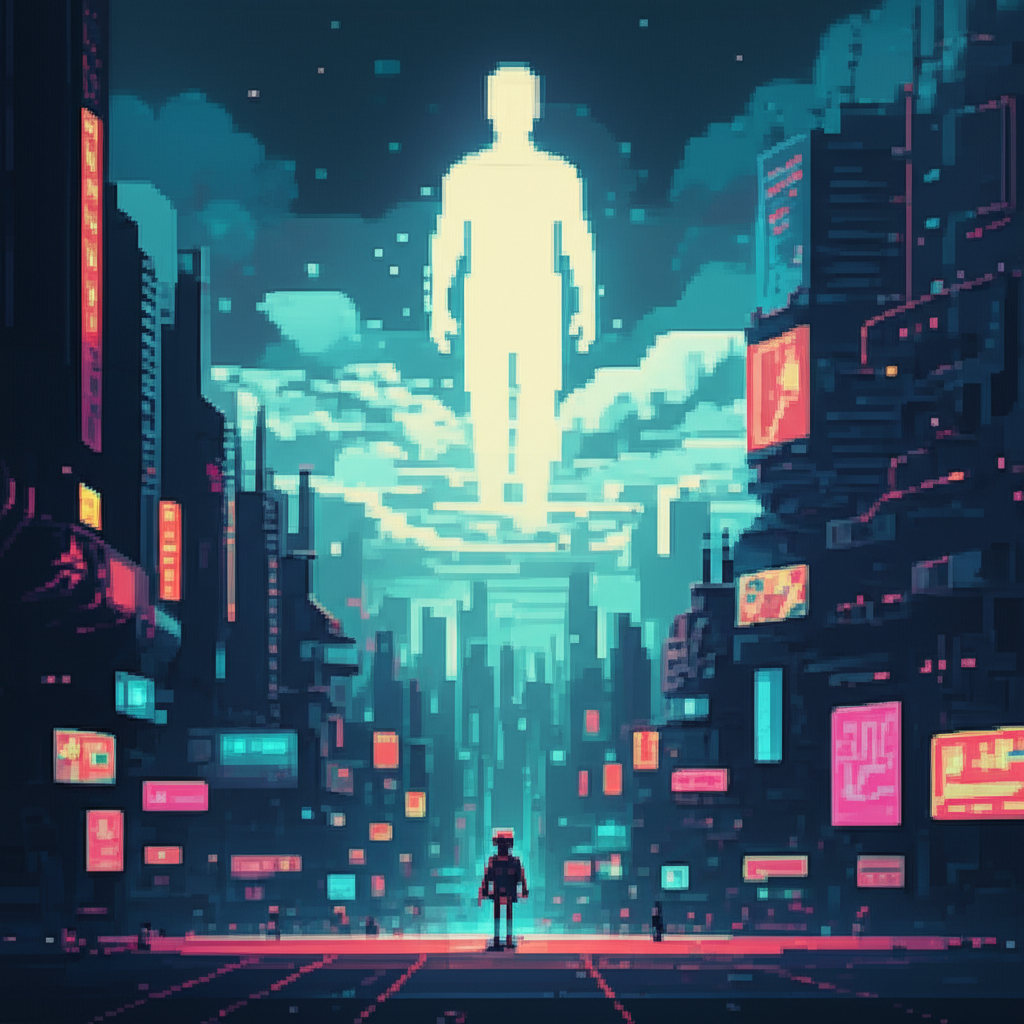
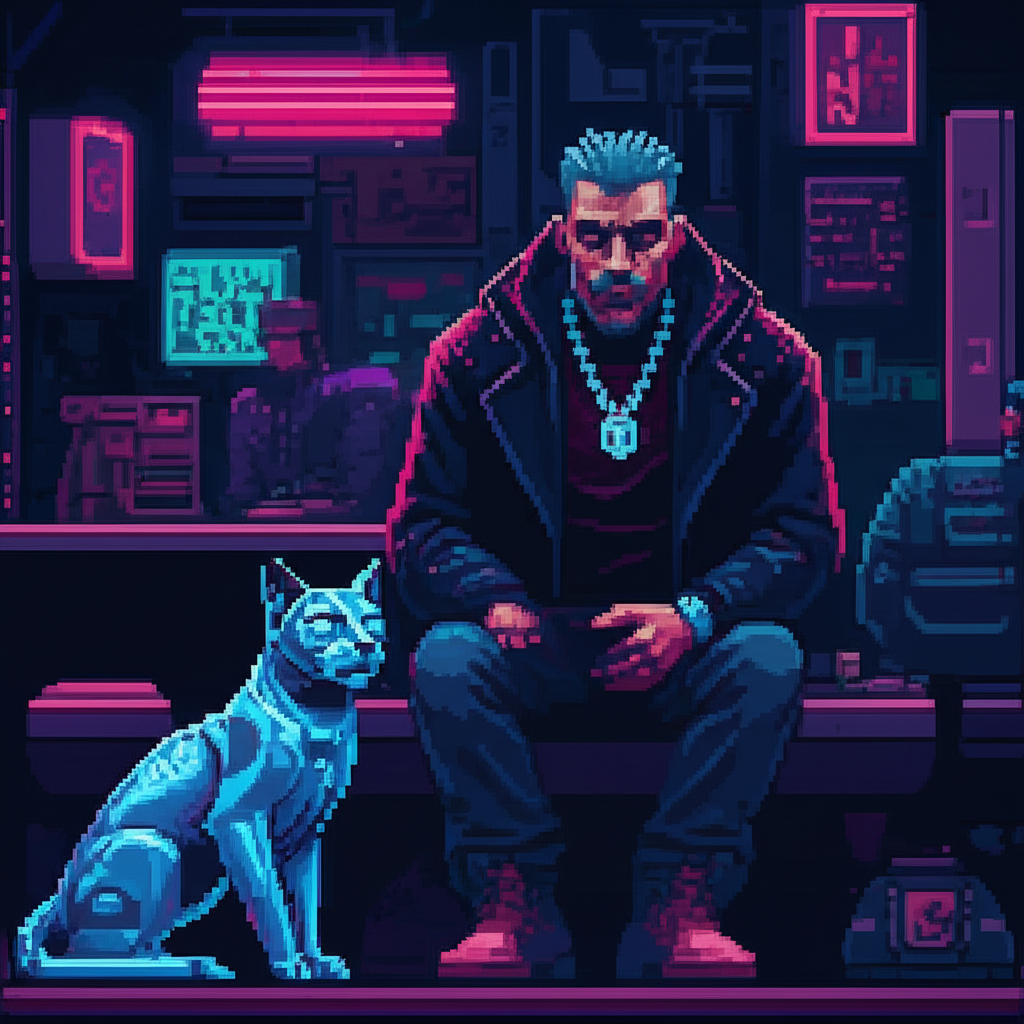
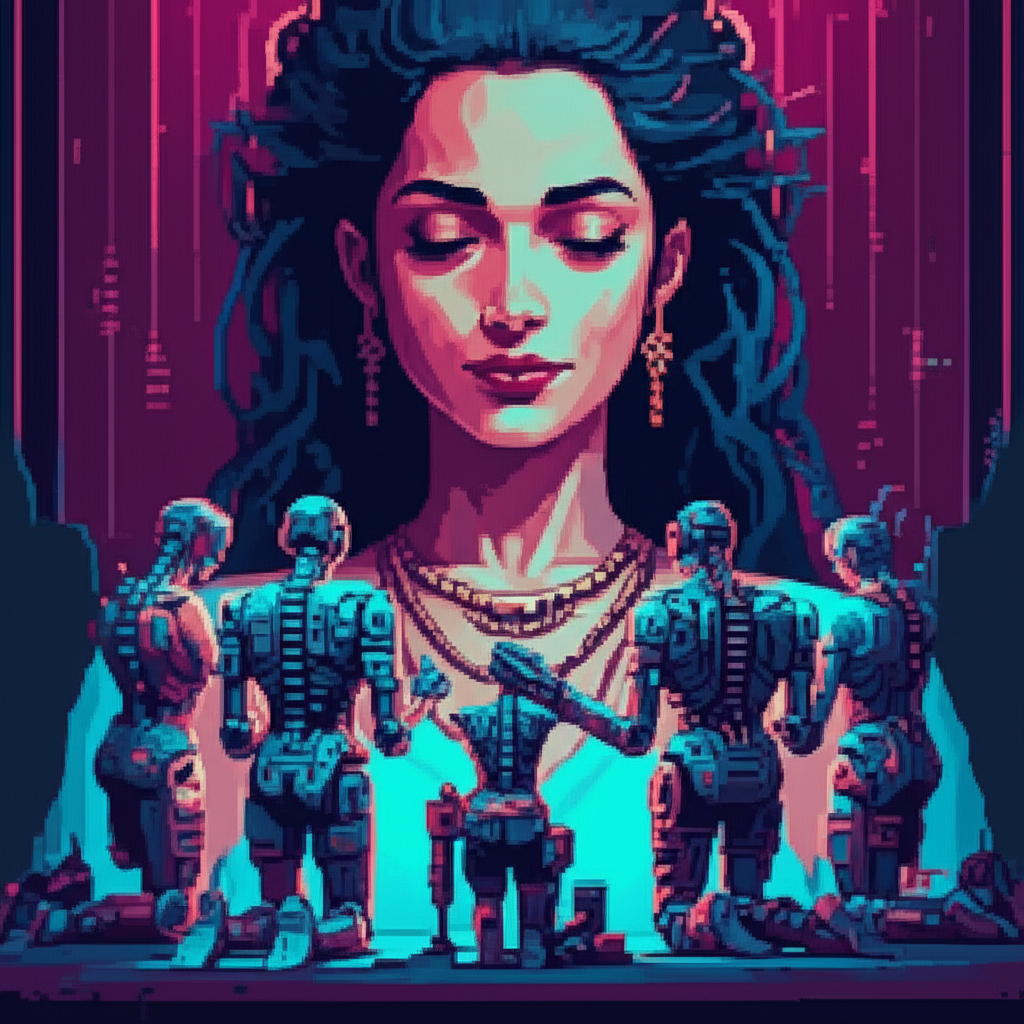
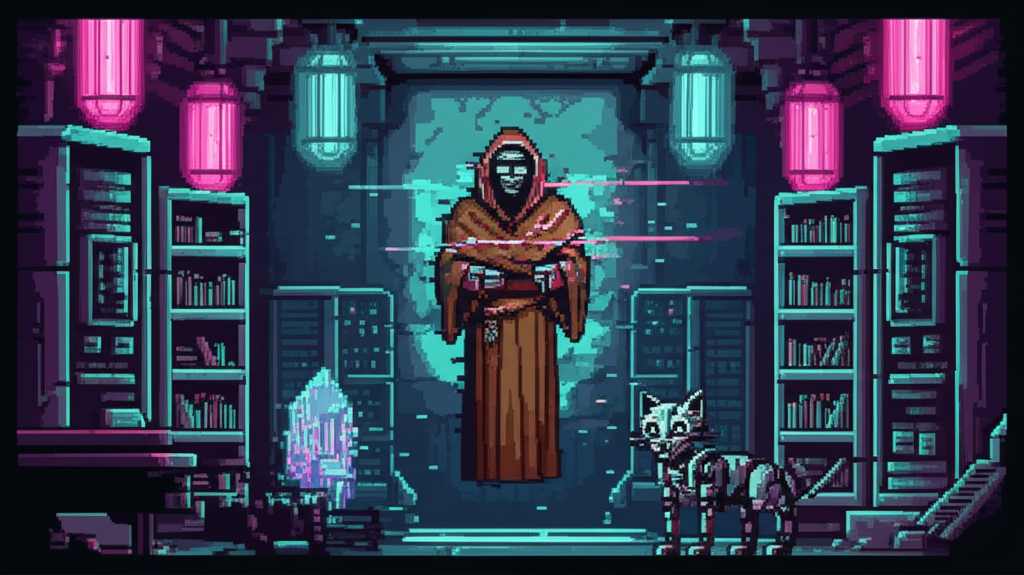
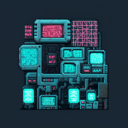
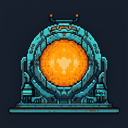

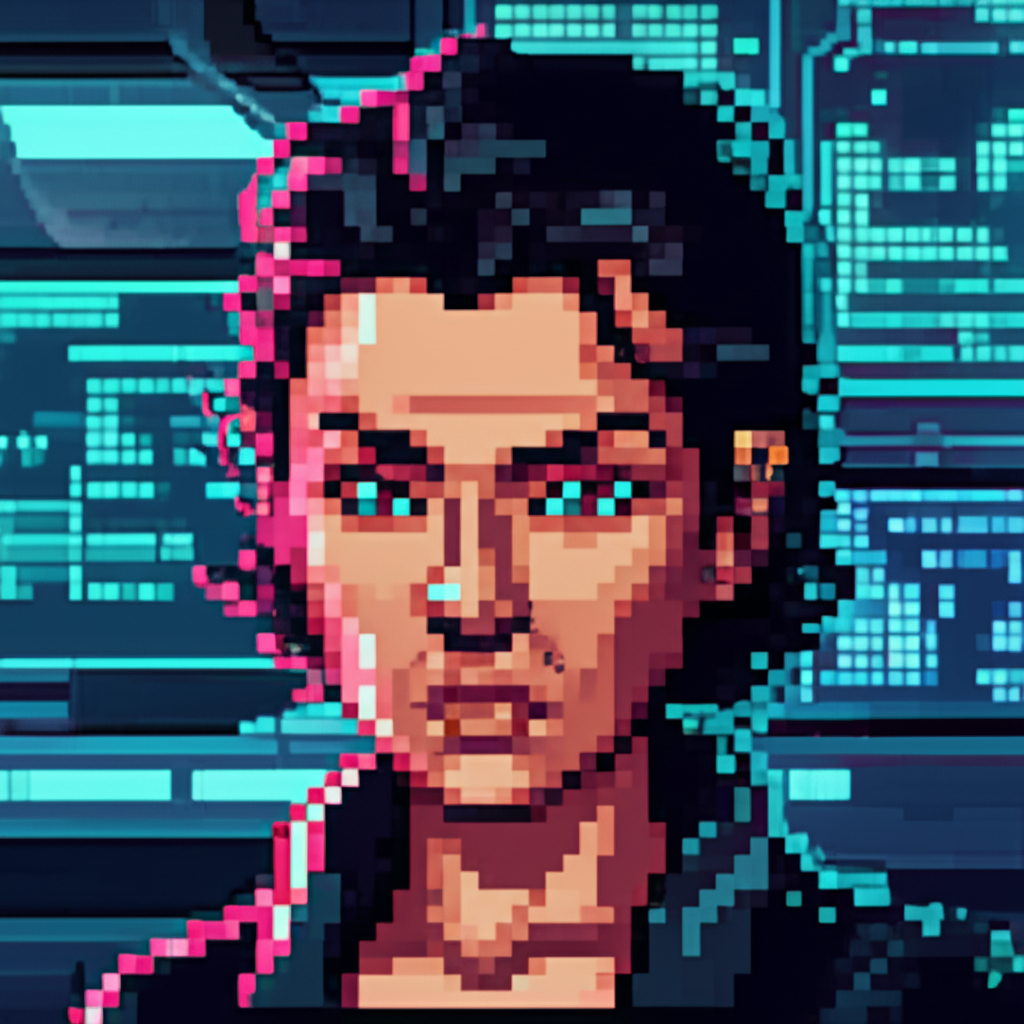
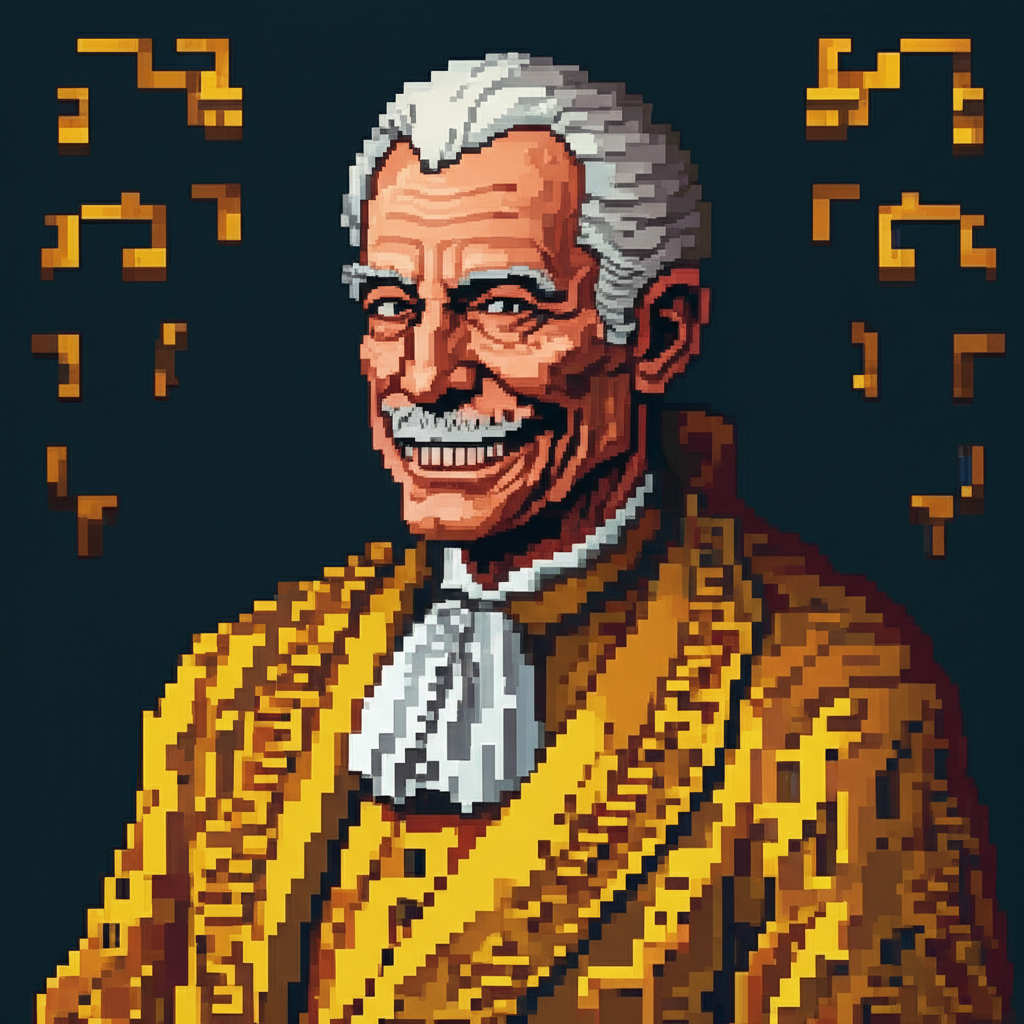
All 596+ assets share the same visual DNA. Characters, buildings, resources, and scenes all feel like they belong in the same universe.
Key Takeaways
Always include a gold standard style reference. Without it, you get random styles.
Budget your 14 reference slots strategically. More character refs = better consistency.
Use selection over description. Art interviews extract preferences that language can't capture.
Invest in character calibration upfront. 52 iterations saves thousands of inconsistent outputs later.
Questions about our art pipeline?
Open an Issue